Safety advisors
Document observations and workplace hazards.
Turn field observations into digital safety reports with smart glasses, natural voice interaction and AI-assisted documentation.
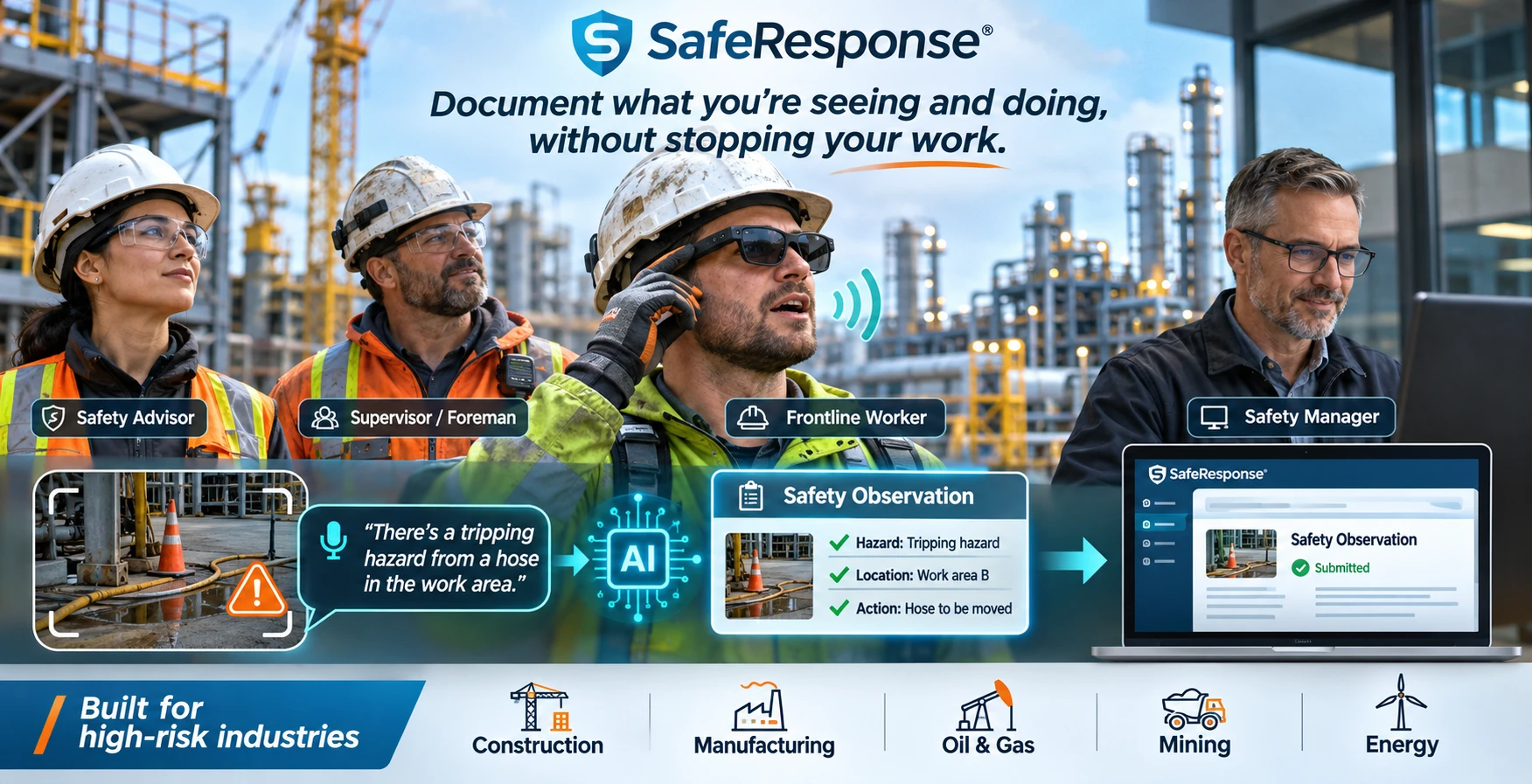
Connect your compatible smart glasses to the SafeResponse iPhone app.
Begin a safety observation using the available start controls.
Capture what you're seeing. AI analyzes the scene to suggest relevant information.
AI proposes answers and asks you to confirm or correct them by voice.
Review or submit the completed observation using the available controls.
Safety personnel can review and manage submitted observations.
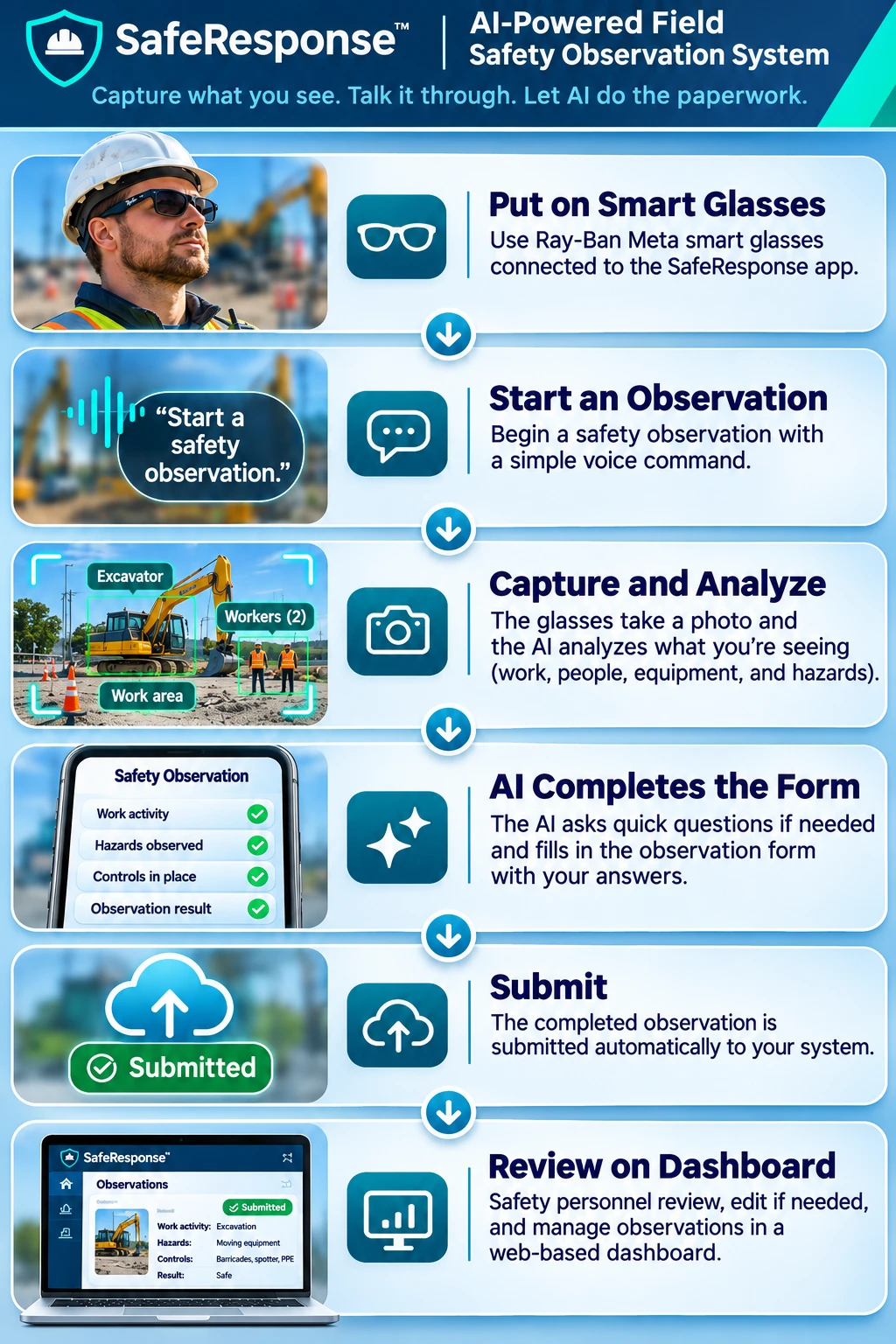
Illustrative workflow. Available launch and submission options depend on configuration. Smart glasses do not replace required certified eye protection.
Document observations and workplace hazards.
Capture field conditions and safety concerns.
Report what they see through natural conversation.
Review submissions and manage safety records.
Construction · Manufacturing · Oil & gas · Mining · Energy
Explore a new way to document observations in the field.
Explore SafeResponse